

Desapex’s Synchro 4D & 5D Training
This advanced course in Synchro 4D is designed for professionals looking to deepen their expertise in 4D project management, advanced 3D model handling, resource optimization, and dynamic simulation. The course covers complex concepts and techniques that allow participants to manage large-scale projects, integrate data across multiple platforms, create detailed 4D animations, and apply advanced scripting for cost control and resource management. Through a series of hands-on modules, participants will learn to optimize workflows, collaborate effectively, and generate customized reports while using the full potential of Synchro 4D
Course Curriculum
Module: 1
Introduction: Overview of SYNCHRO Pro and 4D & 5D BIM
UI Overview: Workspace Management, Navigating interface, Customizing layout, Accessing training files
Importing Schedules: Importing from MS Project XML
Gantt Chart Navigation: Navigation, customization, WBS, columns
Date Display & Auto Save
Module: 2
Importing 3D Files: File types; Import settings, 3D Selection Methods, Loading 3D Objects
Understanding Resources: Resource categories; Resource Wizard, Resource Creation Options
Linking 3D Objects: Linking 3D Objects to Tasks, Assigning 3D Objects to Multiple Tasks
3D View Navigation
Custom Appearance Profiles: Transparency Interpolation, growth simulation, resource groups
Module: 3
4D Linking Process: Assigning resources to tasks, appearance Profiles, Linking Options
Saving and Opening Projects
Review and Investigate Assignments: Review assigned tasks/resources, Select Assigned Tasks and resources from an object and tasks
Creating New Tasks: Insert tasks manually, edit durations, add logic links
Model-Based Scheduling: Model-based scheduling concepts
Module: 4
3D Paths: 3D Path creation, Assigning 3D Path to a resource, Edit in 3D Paths
3D Subdivision: Subdivide by Slice, User slice, Freehand, editing Subdivision, Subdividing Multiple objects
Filters: Task filters, 3D Filters and Tabular filters
Auto-Matching with User Fields
Adding Equipment: Importing Equipment Models, Appearance Profiles for Equipment's.
Module: 5
Editing 3D Objects: Editing tools, Manipulating Equipments (Simple and Advanced Transform Manipulator), Aligning of Equipments, Edit as assigned
Cutting Planes: Cutting planes, Layouts and Viewpoints
Copy and Create 3D Objects
Synchronising 3D Models: 3D Model synchronisation, Identifying 3D object Changes
Baseline and Synchronising Schedules: Creating a baseline, Synchronising Schedules, Comparing Baseline Using 3D Views
Module: 6
Animations: Animation creation, Editing, Interpolation, Exporting an animation
3D Properties in Animations: Customisation Accordingly Using 3D Properties in animation Editor
Look Ahead Schedules: Exporting 2 week, 3 Week Look ahead schedules
Synchro Scripts: User field formulas, Synchro Scripts
5D: Resource cost, Budgeted direct cost, Earned Value Graph, Actual Costs
Introduction to Synchro Control: Navigation, Creation of Imodel, Synchronisations
Case Studies
Program Benefits
Two months Synchro 4D Pro License
Practice Models Included
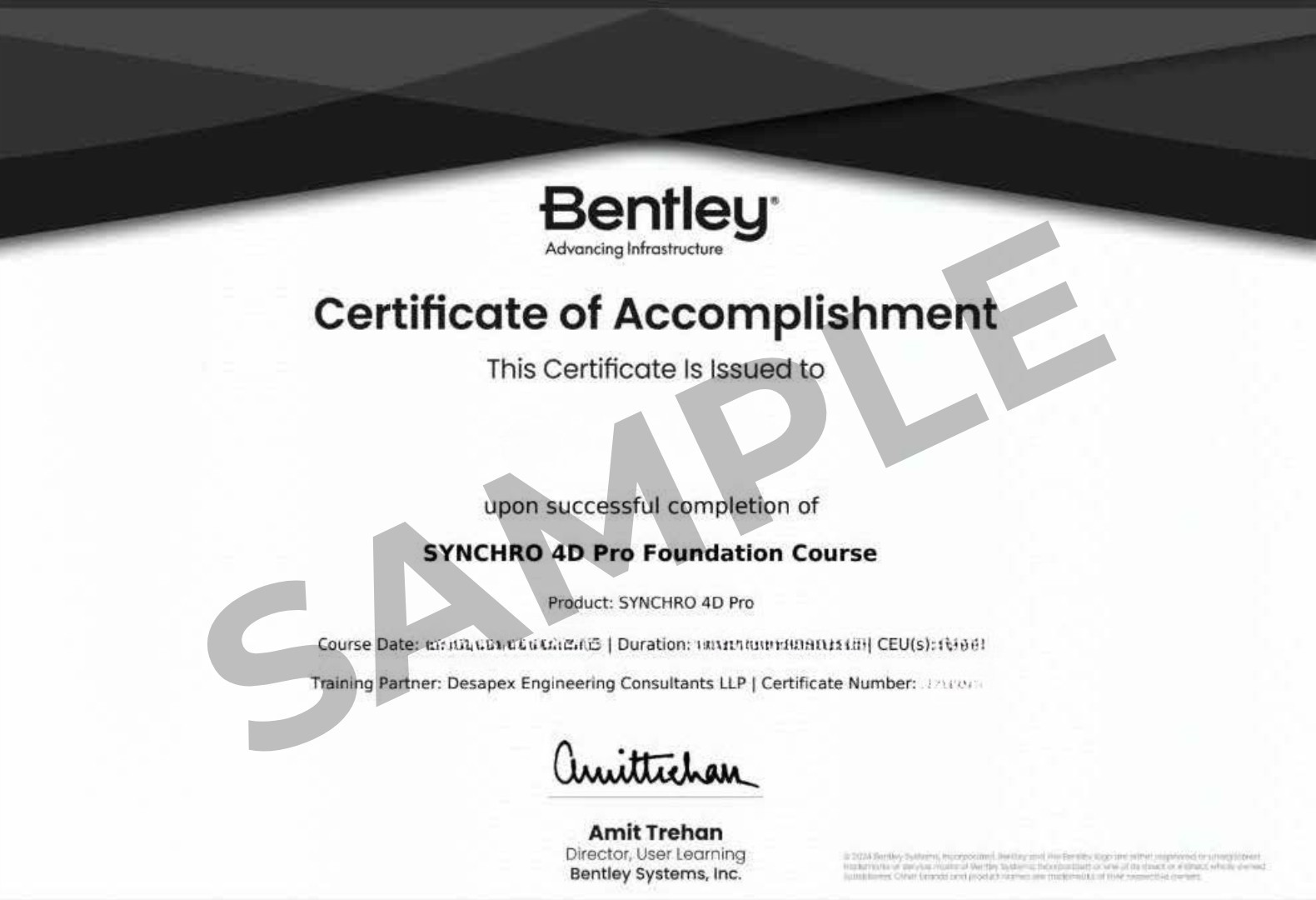
Bentley Certified Synchro 4D Certificate
Gaining Hands on Experience from Real World Project Case Studies
Live Doubt Clearing Sessions.
Enroll Today
Get Certified in Synchro 4D

Batch Details:
Course Duration: 20+ Hrs & Case Studies
Batch Options: Weekdays & Weekends
Batch Size: Flexible Size